A still photograph can suggest a story: a curtain caught by a breeze, a cup steaming by a window, or a paper boat drifting downstream. A short video adds a little movement to that moment. If you have never tried image-to-video generation, the easiest first project is a scene with one clear subject and one simple action.
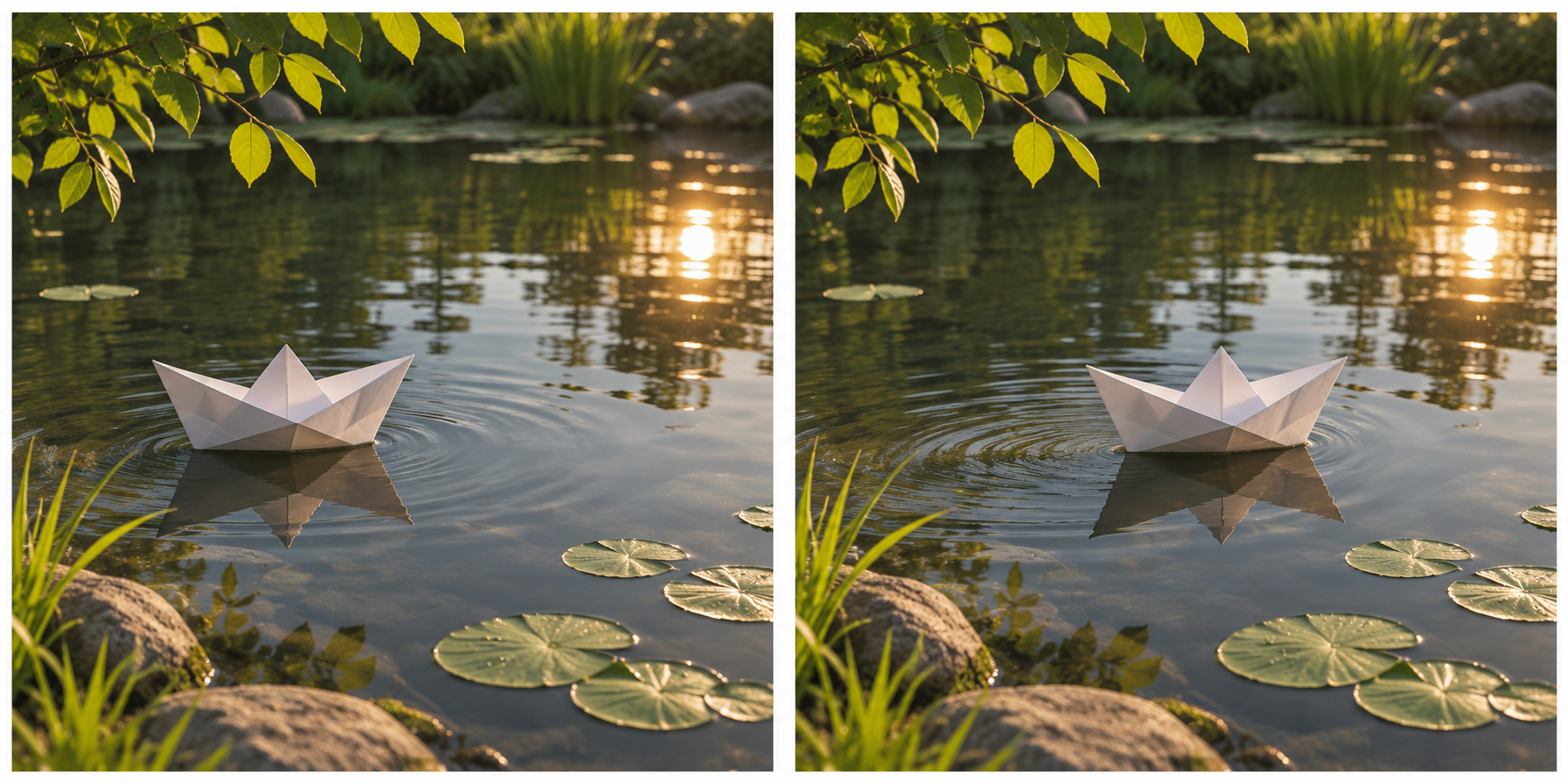
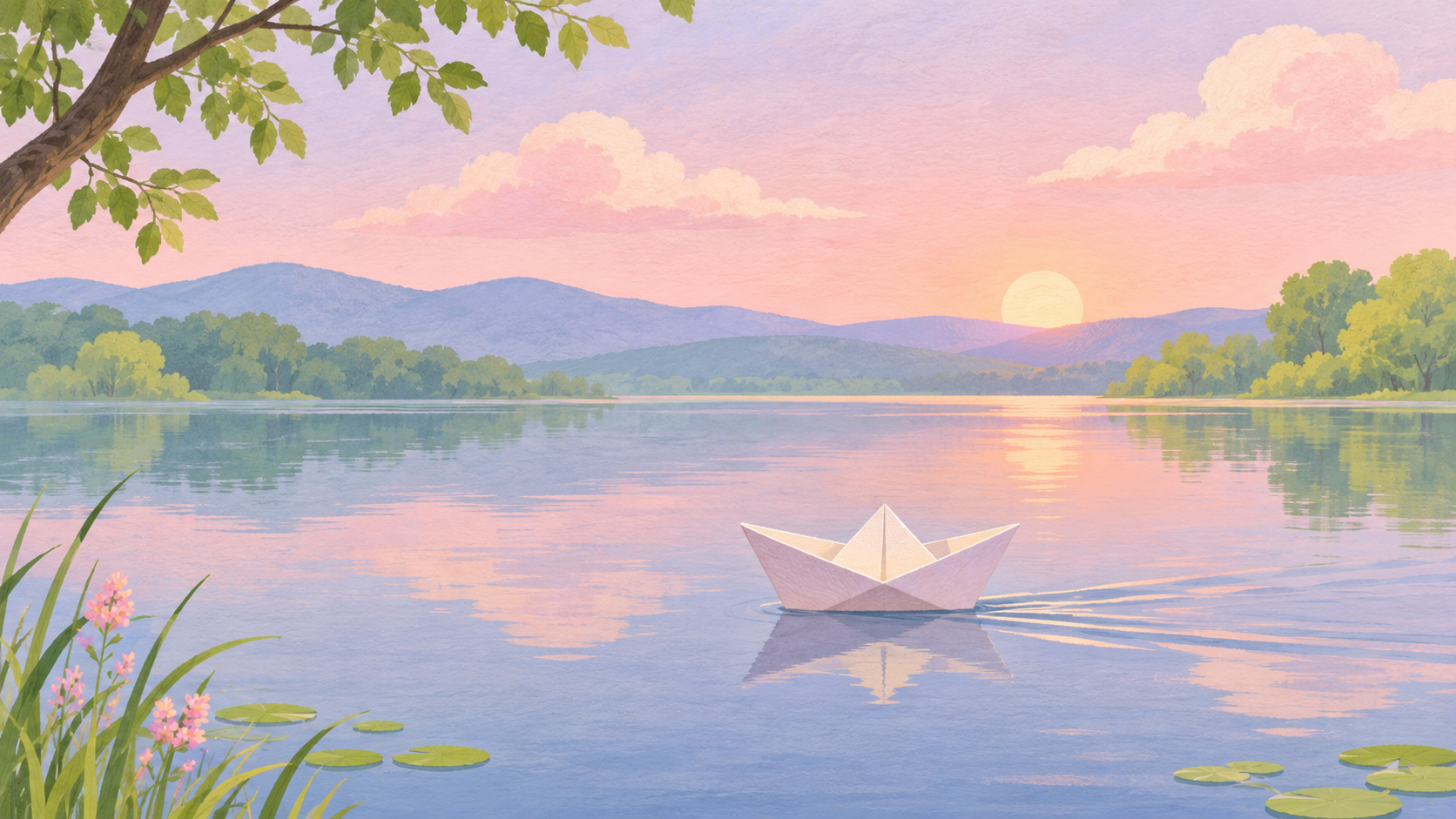
The illustrations are independent concepts, not input images or frames from one generated clip. This guide uses an imagined paper boat as an example. The prompts are starting points, not results we have tested. You can substitute your own photograph or illustration.
What to prepare before opening the generator
Choose images you own or have permission to use. For this exercise, prepare a starting image of a paper boat near the left side of a pond and an ending image with the same boat slightly farther to the right. Keep the background, camera angle and lighting similar. If the second image changes the whole location, the generator has to bridge more than one visual change.
Use JPEG, PNG or WebP files. Choose a shape that suits the destination: 9:16 for a vertical short, 16:9 for a wide presentation or 1:1 for a square post. Keep important details away from the edges, where a crop might remove them.
Make a first video without signing up
Open Sea Imagine AI’s free image-to-video generator. The page describes a free MiniMax H3 form with no signup, unlimited generations and no watermark. Its listed output is five seconds at 480p. Unlimited means no fixed total generation allowance on the page; it does not promise an immediate result or remove submission verification.
- Add the starting and ending images in that order.
- Choose your aspect ratio.
- Write a motion instruction in the prompt field.
- Complete any verification shown, submit the request and wait for the result.
- Preview the clip before downloading it.
The page has a separate advanced workspace. Its available settings and paid options should not be confused with the free form’s fixed output. Check the current interface before submitting because online tools can change.
Write a prompt for the movement, not the whole image
Your pictures already establish the boat and the pond. Use the text to describe what should happen between them:
The paper boat drifts slowly from left to right across the pond. Small ripples spread behind it. Keep the camera fixed and the afternoon light soft.
This prompt has three useful parts: the subject and action, a small supporting detail, and a camera instruction. It does not ask for a storm, a second boat and a sudden change of location in the same shot. Small changes are easier to inspect in a five-second clip.
For a second attempt, change just the camera direction:
The paper boat drifts slowly from left to right. The camera moves gently closer while keeping the boat centered.
The second sentence describes a different shot. It is not a guarantee that the model will keep the boat perfectly centered.
Review the result before making more versions
Watch the start, middle and end. Does the boat keep the same shape? Does it travel in the direction you intended? Do the ripples and background remain plausible? If the subject changes shape, try reducing the movement or choosing two more consistent images.
Save the prompt alongside the images and note one change for each attempt. With no fixed generation count, you can revisit the idea, but waiting times may still apply. The page says its history is kept in the current browser, so download anything you want to keep rather than assuming it will appear on another device.
Common questions
Is a free generator without signup always unlimited?
Not necessarily. “Free,” “no signup” and “unlimited” describe different conditions. Check each service separately for generation limits, verification, waiting times and output settings. Sea Imagine’s free page currently advertises all three, with a five-second, 480p output.
Can I use a single image?
The page describes an optional pair of uploads as the start and end frames. For an image-led transition, follow the current form’s requirements and provide the pair it asks for; do not assume that every tool accepts the same inputs.
What if I want a longer video?
The free form lists five seconds per clip. You can plan several short shots and assemble them in a separate editor. Check continuity between clips rather than assuming the generator will make a longer sequence automatically.
Start with one scene and a modest movement. Once you can identify what changed, you will have a much clearer idea of what to ask for in your next prompt.
Disclosure: This article was prepared for Sea Imagine AI with AI writing assistance.